
Access to unit keys isn’t just an operational detail in multifamily property management: it’s a matter of resident safety, legal compliance, and accountability. Many states and company policies require clear records of who accessed a unit key and when that access occurred.
Just as important as tracking key activity is the ability to update employee fingerprint access immediately when staff changes occur. When property managers cannot easily change access permissions, keys can quickly become a liability.

Staff transitions, role changes, and new hires happen regularly in property management, and without a clear process for updating access, it becomes difficult to ensure that only authorized employees can retrieve keys.
Prior to updating fingerprint access, property managers should follow a few best practices to keep access permissions secure, organized, and compliant.
Recommendations for Managing Fingerprint Access
Keeping fingerprint access current helps ensure that key access remains secure, traceable, and aligned with your current staff.
Review Access When Roles Change
Employees often move into new responsibilities over time. When roles change, their system permissions should be reviewed to ensure their access reflects their current duties.
Update Access During Staff Transitions
When an employee leaves the company, their access credentials should be reviewed immediately. Removing outdated access helps maintain system security and protects resident safety.
Confirm Fingerprint Registration for New Employees
New employees often begin retrieving keys soon after joining the team. Confirming that their fingerprint is properly registered helps prevent delays and ensures their activity is accurately recorded.
Schedule Regular Access Reviews
Periodic reviews help managers identify outdated permissions and confirm that access levels remain aligned with the current team structure.
These simple steps help maintain accountability while reducing the risk of unauthorized access. When updates are needed, the HandyTrac system allows administrators to quickly edit fingerprint access directly within the system.
How to Edit Fingerprint Access in HandyTrac
Editing fingerprint access is simple for users with the appropriate administrative permissions. The process can be completed directly within the HandyTrac system in just a few steps.
Step 1: Sign In with Master Access
To begin, log in to the HandyTrac system using an account with Master Access permissions.
Master Access allows administrators to manage employees and adjust system settings, including biometric authentication.
Step 2: Open the Administration Menu
Once logged in, select Administration from the system menu.
This section contains several management tools that allow administrators to configure system settings and manage employee access.
Step 3: Select Fingerprint Setup
Within the Administration menu, select Fingerprint Setup.
The system will display a list of active employees who are currently registered in the system.
Step 4: Choose the Employee
Locate and select the employee whose fingerprint access needs to be updated.
After selecting the employee, choose the option to Register Fingerprint.
This will begin the process of capturing the new fingerprint.
Step 5: Register the Fingerprint
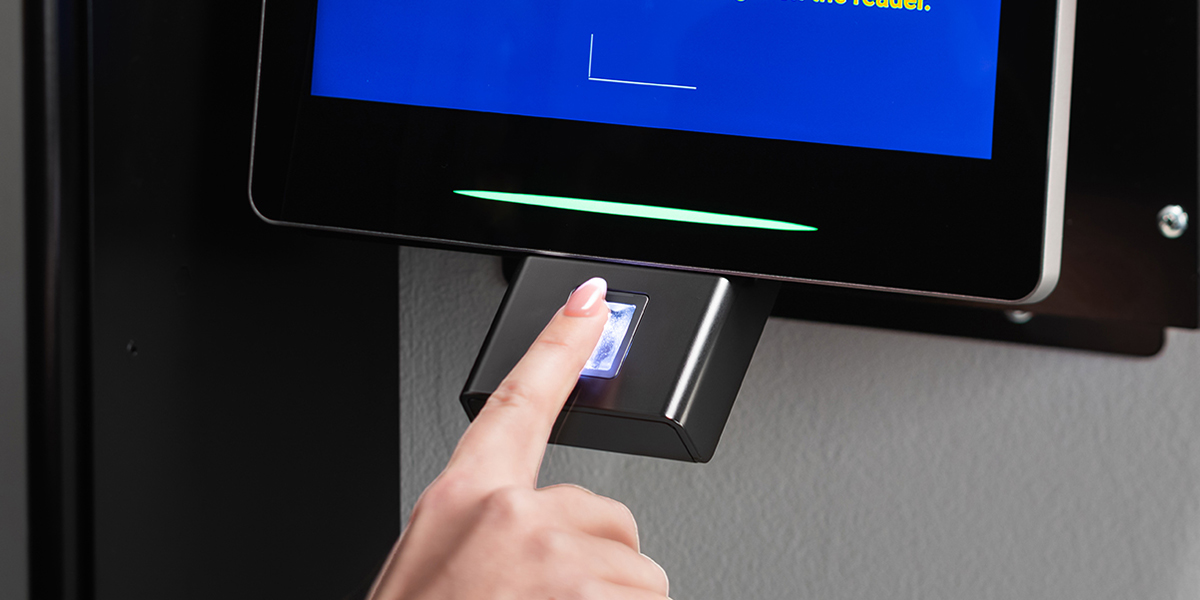
The system will prompt the user to place their finger on the fingerprint scanner.
Follow the prompts by placing the finger on the reader and removing it when instructed. This process may repeat several times so the scanner can capture a clear and accurate image.
Once the system confirms the fingerprint registration, the biometric access will be saved.
Step 6: Confirm the Update
After registration is complete, the employee can log out and test the fingerprint login.
This quick check confirms that the system recognizes the updated fingerprint and that access is functioning correctly.
If you prefer to see the process in action, the video below walks through how to edit fingerprint access step by step.
Maintaining Secure Key Control
Accurate fingerprint access is an important part of maintaining both property security and regulatory compliance.
With HandyTrac, property teams can update biometric access whenever staff roles change or new employees join the organization. Administrators can manage employee credentials, monitor key activity, and maintain a clear record of who accessed keys and when.

By keeping access current, property managers strengthen accountability, support resident safety, and maintain the documented oversight required for modern property operations.