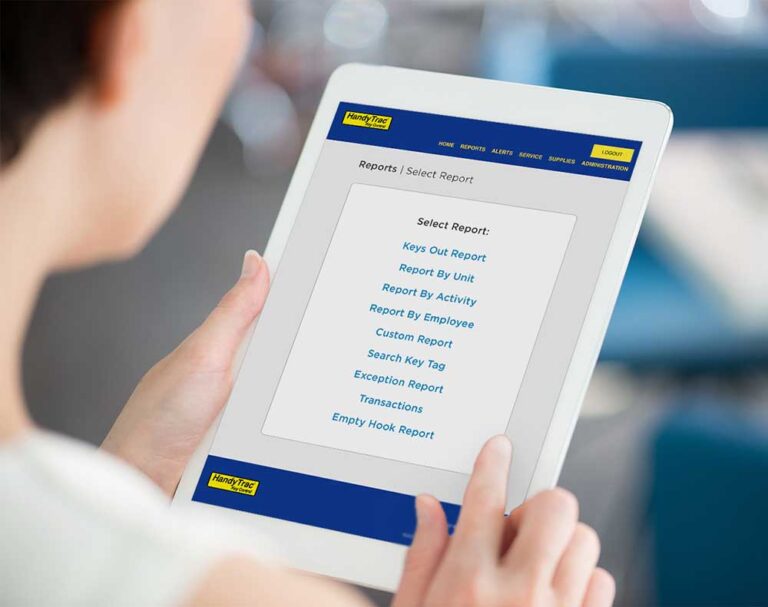
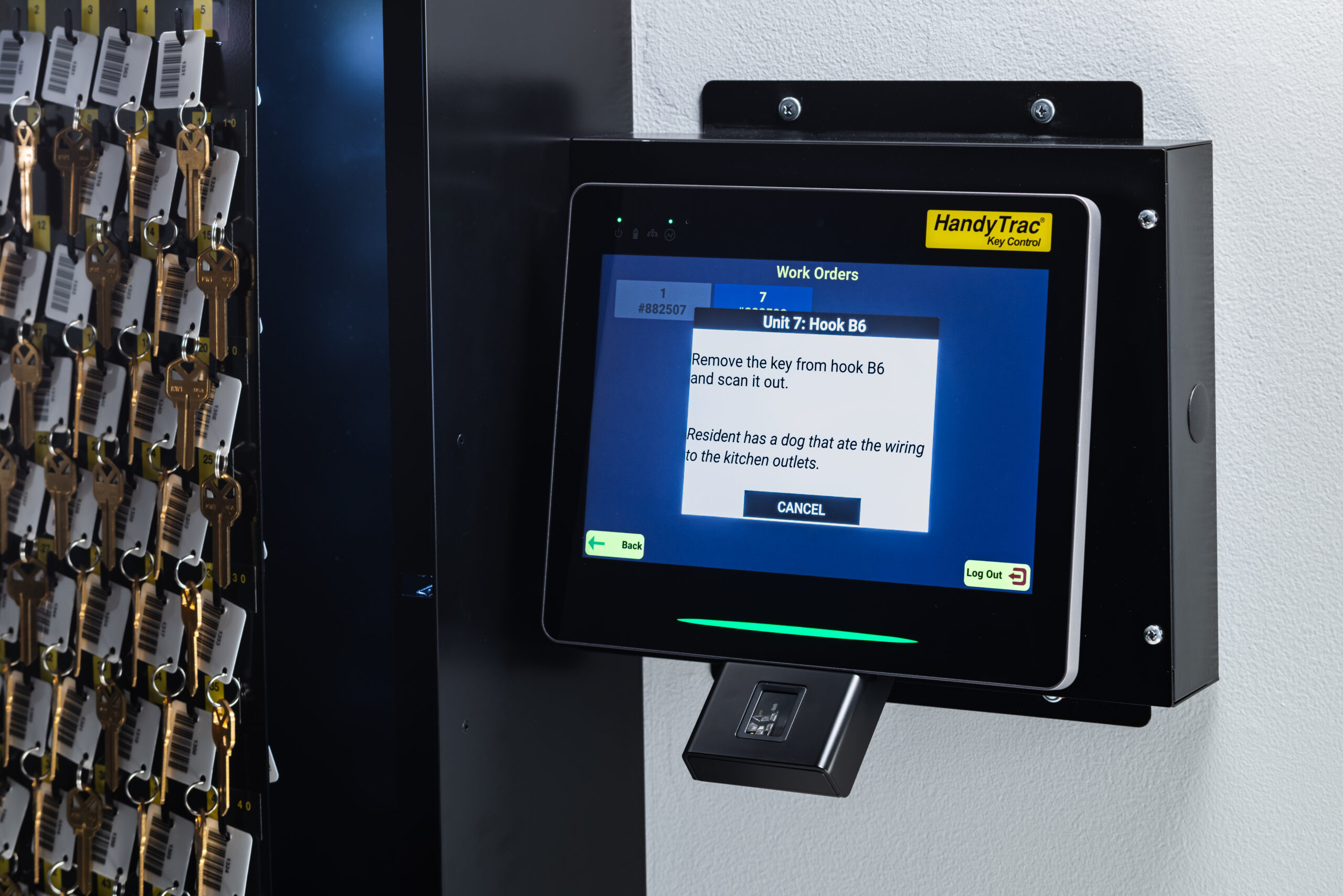
Yardi users: Yardi users with a HandyTrac Touch system can customize their experience through the use of a unique and secure work order system. Features like service order and staff data importation allow managers to quickly review staff data and execute assigned work orders directly via the Touch datalog.
Platinum HandyTrac Systems Include:
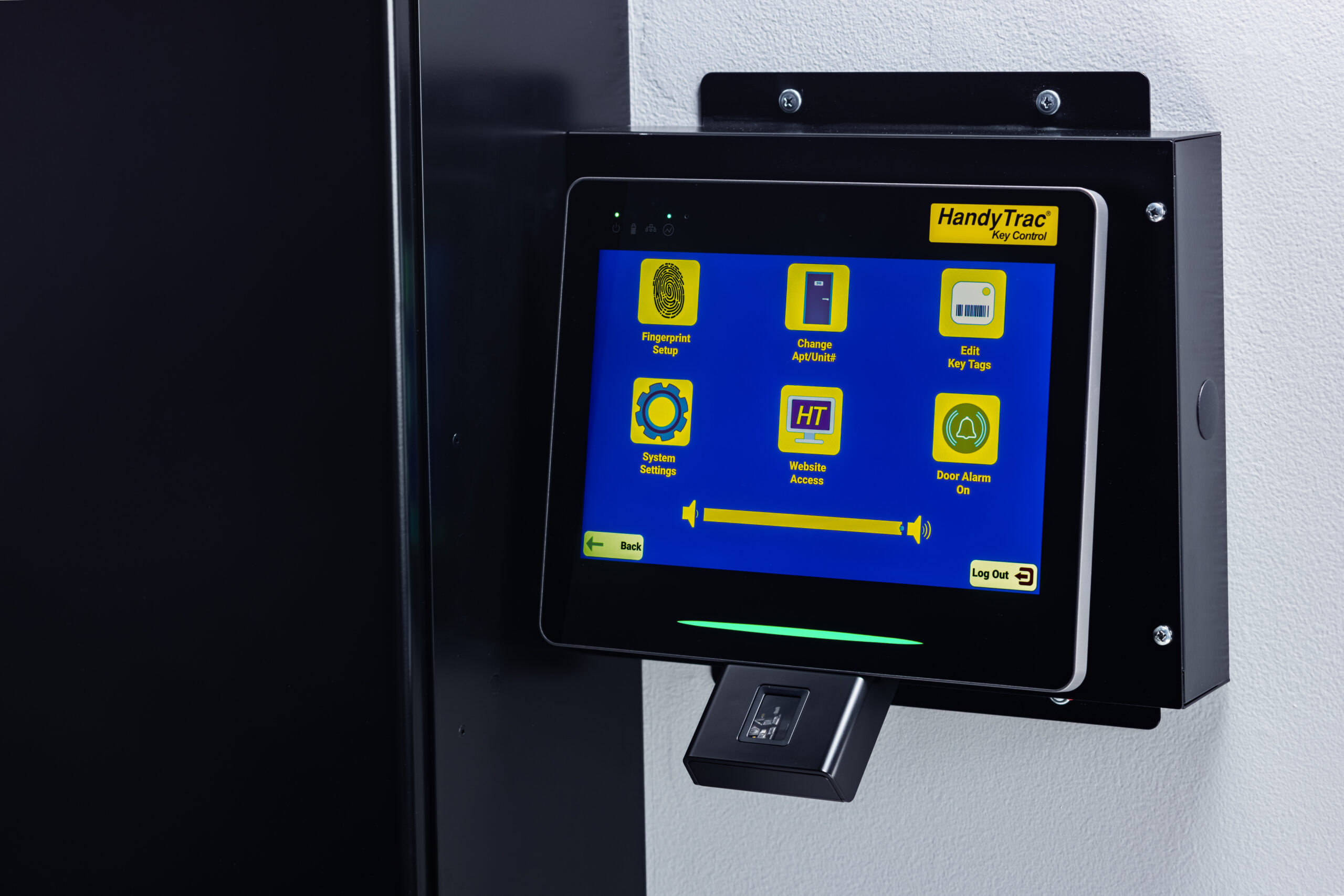
- Large 10″ Touch Screen Interface
- Fast 8 Core ARM Cortex-X1 1.8ghz Processor
- Full website access directly on the display
- Easy Wall Mounting
- Wi-Fi and Ethernet
- Multilingual Support (English, Spanish, Tagalog)
- Full System Warranty
- USA Based Technical Support
- Single or Double Cabinet
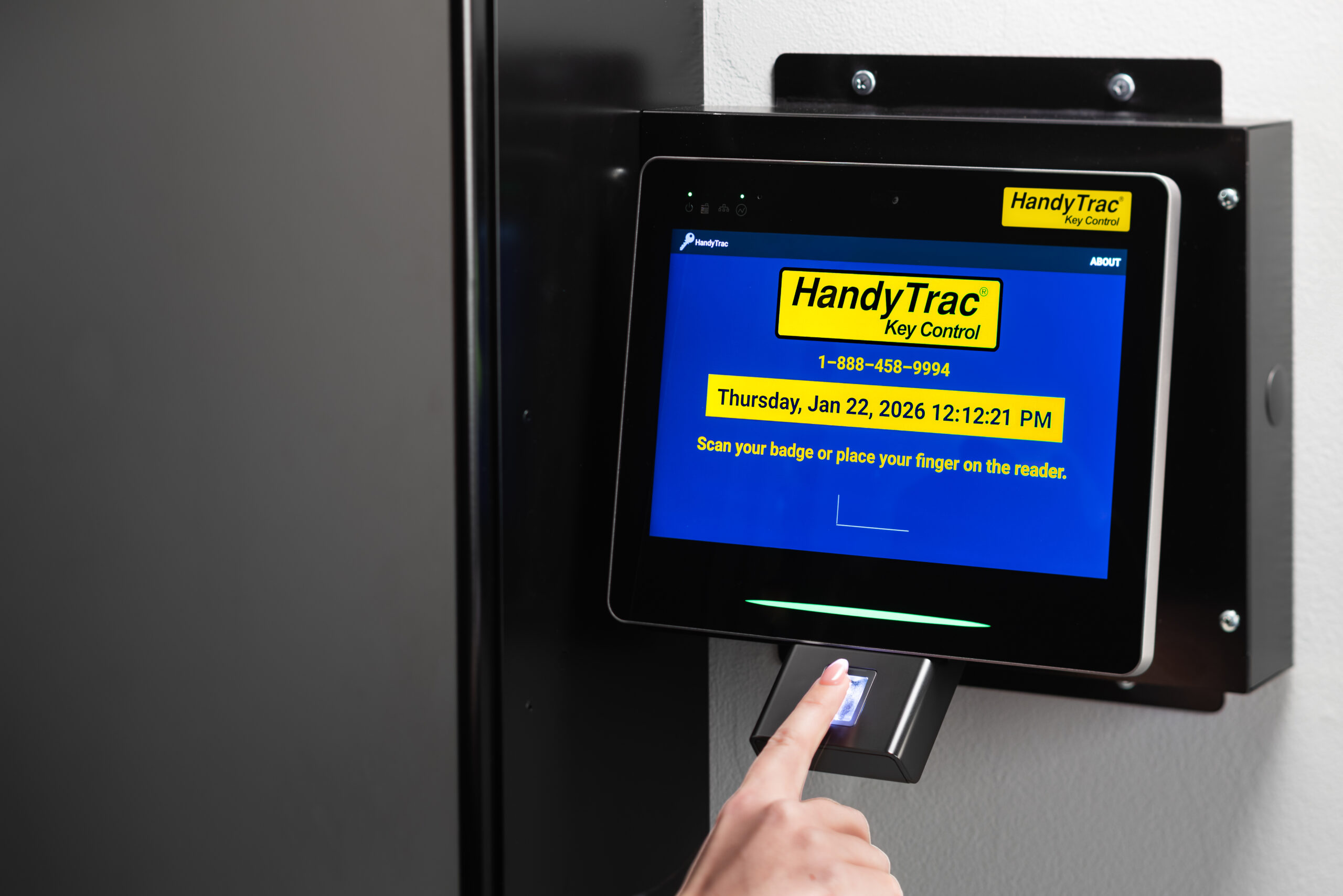
- Biometric Fingerprint Access
- Enhanced Security
- 50% increase in number of units displayed at once
- One Touch Building Pull Integration for Pulling Multiple Keys
- Audit Trail – Reports are backed up to Amazon Web Services
- Customizable Activity Codes
- Instant Reports – Keys Out, Who Has Key and Why, When Returned
- Built-in Door Alarm with Email Notification
- App Connectivity and Real-Time Notifications
- Unit Notes
- Unit Restrictions
- Yardi Interface


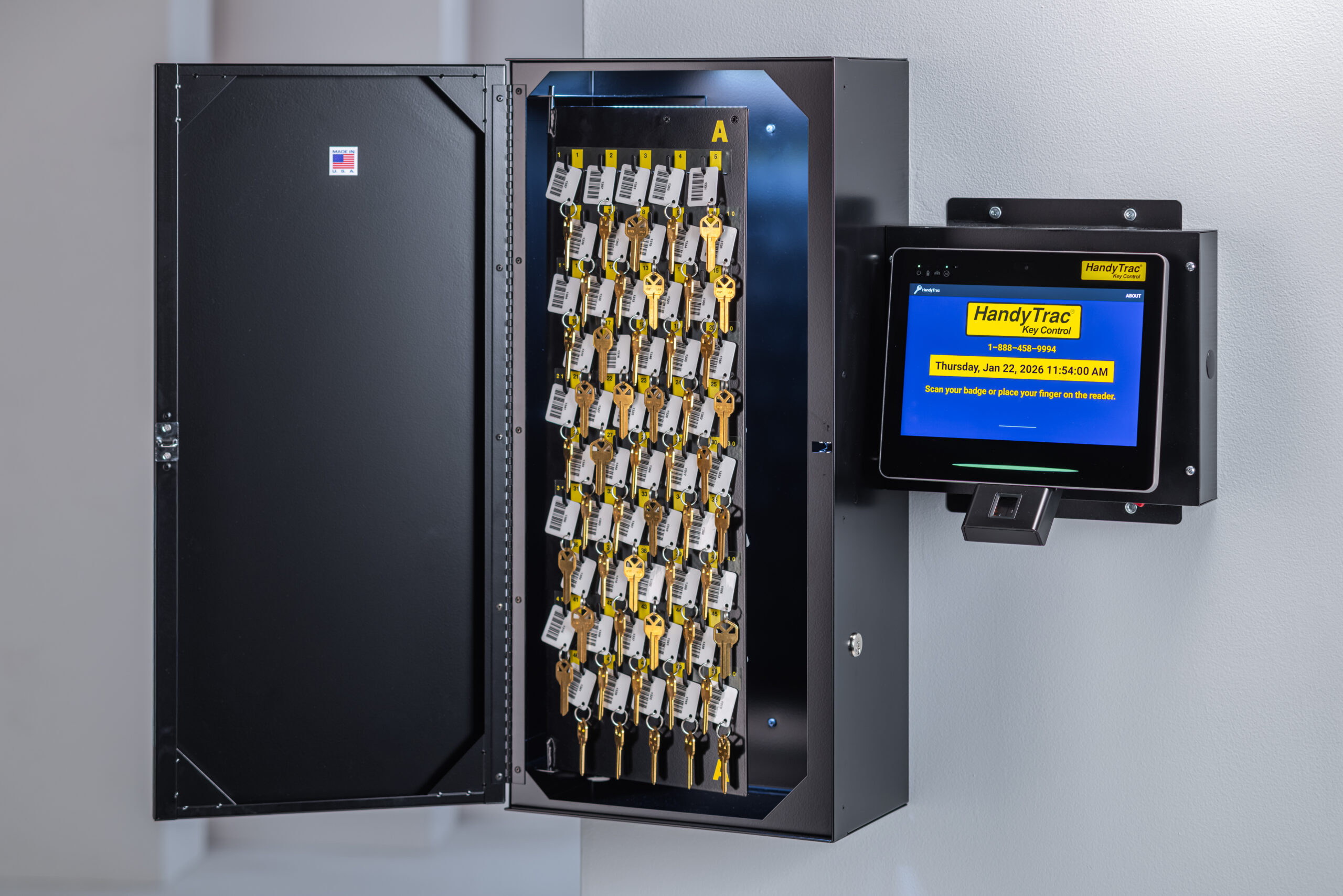


Platinum Touch Compact System
The Platinum Touch Compact System combines the security and accountability of the Platinum System with the space capacity for a smaller property operation. This cabinet is designed for properties with 90 keys or fewer.
Reviews
5.0 out of 5 stars (based on 119 reviews)
Accountability and Transparency That Protects Residents and Staff
December 16, 2025
HandyTrac has been an invaluable tool in our multifamily operations, especially when it comes to accountability and resident trust. One of the biggest benefits we’ve experienced is the ability to provide accurate, documented information when a resident questions staff access to their apartment. Every time a key is removed, the system clearly records who accessed it, when it was pulled, and when it was returned, which allows us to confidently address concerns with factual data.
This level of transparency protects both our residents and our onsite team. It has significantly reduced disputes, strengthened trust, and ensured consistent adherence to access policies. Beyond that, HandyTrac keeps our keys organized, supports smoother staff transitions, and reinforces strong security practices across the community. It’s a reliable, user-friendly system that I would highly recommend to any multifamily property looking to improve accountability and operational efficiency.
The Best!
December 16, 2025
I’ve worked at a few different property management companies and HandyTrac has by far been the best system. It’s easy to use and is a great key management system that is a great resource to have on our side!
Great Key Security System
December 16, 2025
I’ve used Handytrac at multiple properties for over a decade now. My current building has the fingerprint ID login which is super helpful when our 24-hour concierge team has a lock out. Highly recommend HandyTrac products.
Great Tool
August 27, 2026
HandiTrac is a great tool for managing keys on our property. It helps us keep accurate records of resident keys, track when keys are checked out, and identify exactly who checked them out. The system is easy to use and has greatly improved our key management process. I highly recommend it to any company looking for a reliable key-tracking solution.
Love this system!
August 24, 2026
We installed this at both of our properties a few years ago and we love it! Super easy to use and helps us stay organized!