

The Key Identification feature allows Premium and Platinum users to scan the barcode of a HandyTrac keytag using the HandyTrac App to quickly identify the unit key on the HandyTrac App from the Apple App Store or Google Play
When removing a large number of keys for management inspections or pest control operations, quickly identifying units greatly speeds up the process of completing multiple work orders and other large-scale projects.
Camera permission is required to use the Key Identification feature.
In Field Key Tag Identification
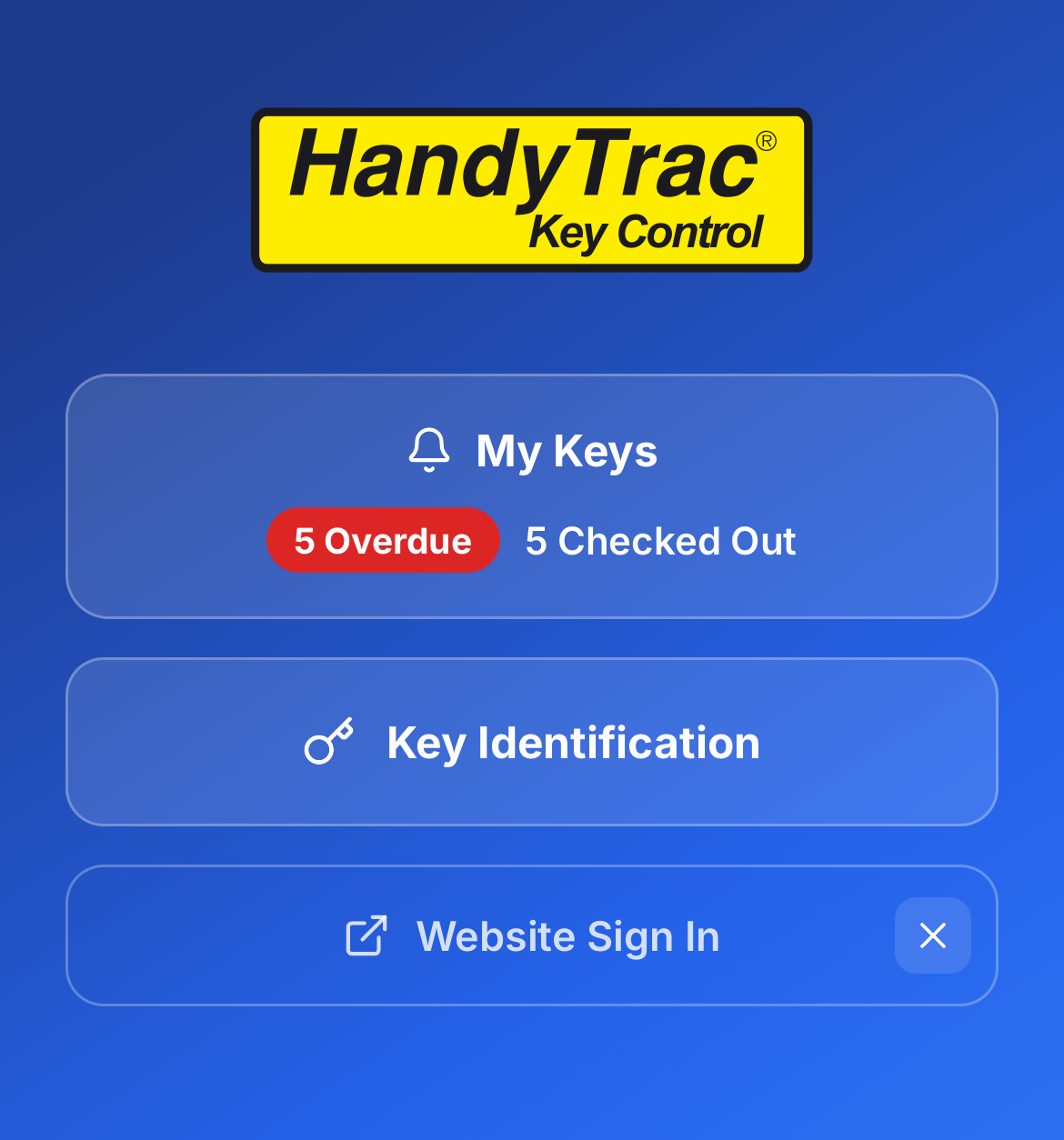

- Select the Key Identification feature in the mobile app. Badge link required
- Confirm your identity using your phone’s unlock method.
- Hold the key tag barcode up to your camera to identify the unit.
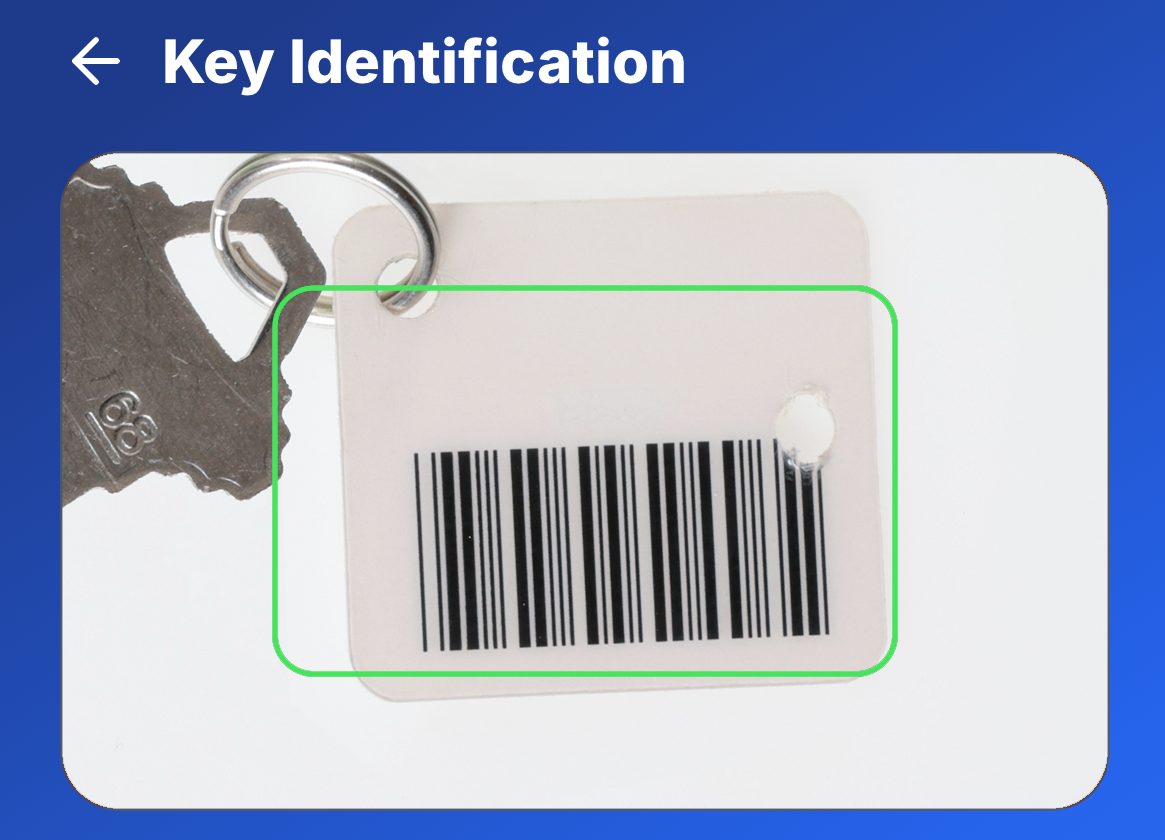

Quickly Identify Active Key Tags
The In Field Key Tag Identification feature gives authorized employees a faster way to identify keys while working throughout the property, without sacrificing accountability. Whether managing inspections, pest control, work orders, or other large-scale projects, employees can quickly identify active key tags from the HandyTrac App while each scan remains documented in the property’s audit trail.
Download the HandyTrac App today from the Apple App Store or Google Play to access Key Identification and other mobile key management features available to your team. Subscribe to our email to get monthly updates about new product updates and industry news.