
A little preparation can go a long way when severe weather is on the way. By reviewing a few simple steps ahead of time, your team can keep important unit keys accessible and help protect your HandyTrac equipment. Walk through these training procedures before the storm arrives so everyone feels prepared and confident if the power goes out.
Locate Your Backup Cabinet Keys
During normal operation, your HandyTrac cabinet is controlled electronically. If the property loses power, employees may need to unlock the cabinet manually using its backup key.
Backup cabinet keys are typically stored in a safe or kept securely by a property manager. Before the storm, make sure they are accessible, and let senior staff members know where they can be found.
Confirm Access to the Keymap
The keymap shows which key is stored on each hook inside the cabinet. If the HandyTrac system loses power, authorized employees will need a printed, downloaded, or mobile copy to locate keys manually.
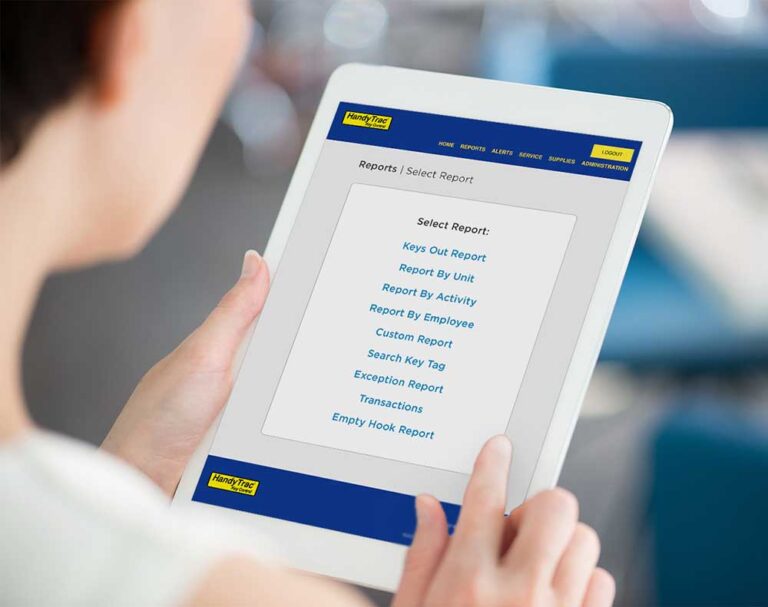
Employees with the correct permissions can access the keymap by signing in to the HandyTrac online account, selecting Auditing, and then selecting Keymap. It can also be accessed through the HandyTrac app by users with the appropriate permissions.
Review How to Protect the System
Once the backup cabinet keys and keymap are secured, review how to safely power down the HandyTrac system.
Use the red power switch at the bottom right of the system to turn it off and preserve the UPS battery. While the system should be connected to a UPS battery backup, a direct lightning strike can still damage connected electronics. For this reason, unplug the battery backup completely from the wall.
Note: A 600 VA UPS battery backup can power a HandyTrac system for up to 2.5 hours, so it should be used sparingly and only when needed.
Walk Through Manual Key Access
Make sure employees understand the manual process before severe weather arrives:
- Manually unlock the cabinet.
- Use the keymap to locate the correct unit key.
- Remove the key and relock the cabinet.
- When returning the key, place it back on the same hook from which it was removed.
- Return to Standard Operations
Once the storm has passed, conditions are safe, and power is stable, plug the system back in, and bring it online.
Shred any printed copies of the keymap once normal operations resume. A printed keymap can quickly become inaccurate and may create a security risk. We also recommend performing a key audit to confirm that every key is accounted for and stored in the correct location.
Help Residents Know What to Expect
Your staff should not be the only ones preparing for an approaching storm. Consider sending residents a brief message explaining that severe weather may interrupt power and normal property operations.
Let residents know your team has procedures in place to maintain access to important unit keys if the HandyTrac system loses power. Keep sensitive information about the cabinet, backup keys, and keymap limited to authorized staff members. Residents only need to know how the storm may affect property operations and how to contact your team if they need assistance.
For complete instructions, review our Emergency Preparedness Guide. If you have questions or concerns, call HandyTrac Support at 1-800-665-9994 and select option 3.