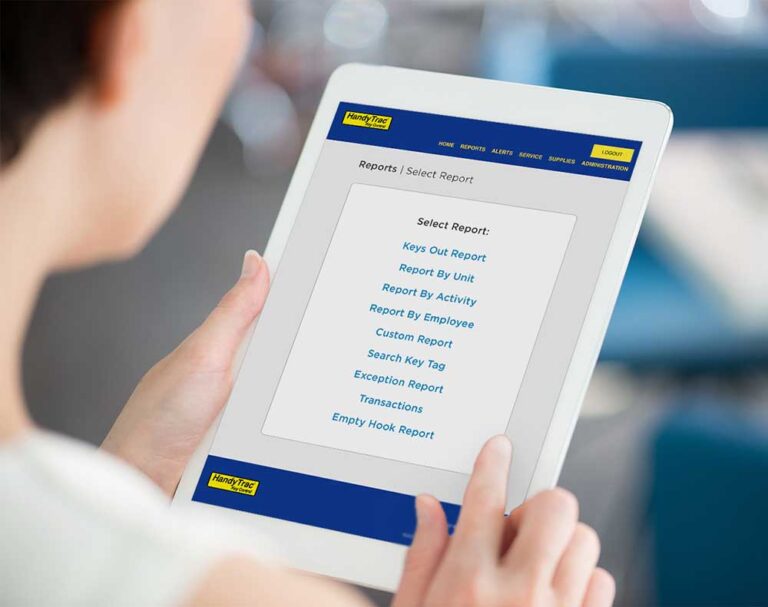
The HandyTrac website gives managers the tools they need to manage their electronic key control system, run reports, review activity, and manage employees. But property management does not happen entirely behind a desk.
The app puts key control information directly on your phone, making it easier to monitor activity, respond to alerts, manage employees, and access key information while you walk the property or work away from your computer.
Receive Key Control Alerts Where You Will Actually See Them
On desktop, managers can review key activity, reports, and system information. The HandyTrac App takes it a step further by sending important updates directly to your phone.
Managers can set up notifications for events such as:
- Door alarms
- Overdue keys
- Key-out activity
- Daily key summaries
- Inactive employee activity
Instead of relying on email or repeatedly checking the website, managers can receive real-time key control notifications and quick summaries through the app.
Daily key summaries also give you a quick look at key activity without searching through emails or manually running a report.
The result is less time looking for information and more visibility into what is happening with your property’s keys. Learn more about how to set up alerts in the HandyTrac app.
Give Employees Information Without Sending Everything Through a Manager
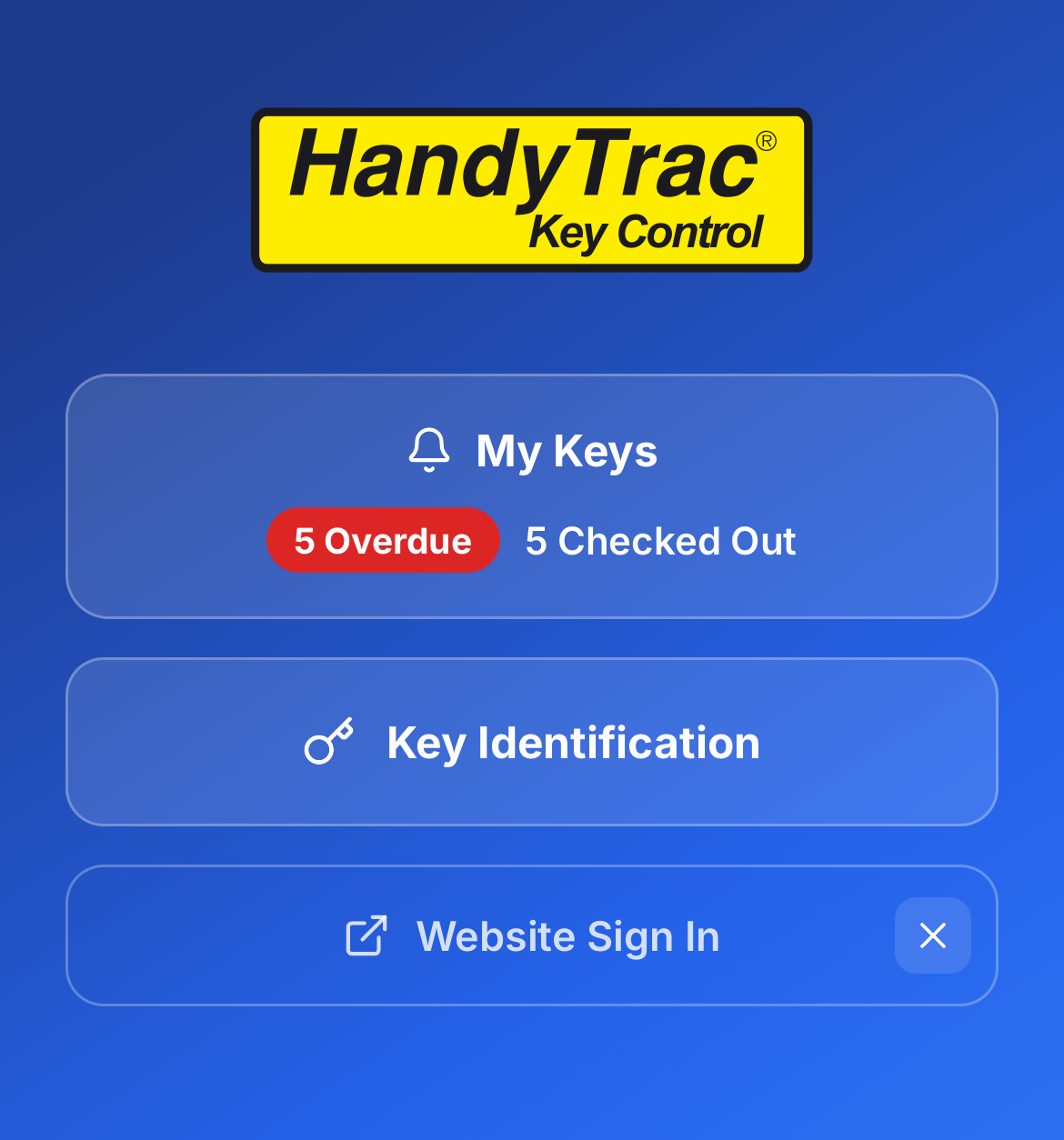
Desktop key control systems are traditionally built around managers and administrators. The HandyTrac App can also put useful information directly into employees’ hands through Employee Badge Linking. Employees can link their existing HandyTrac badge to the app and see key information specific to them.
Once linked, employees can:
- See which keys they currently have checked out.
- Receive personalized alerts related to their keys.
- Track their own key activity.
- Receive reminders or notifications when action may be needed.
This can reduce the need for employees to ask a manager which keys they have or whether they still need to return a key. For managers, that means fewer routine questions and greater employee accountability. For employees, it means faster access to the information that applies specifically to them. Learn more about linking employee badges for personalized alerts.
Identify Keys in the Field Instead of Returning to the Key Cabinet
Some of the biggest advantages of a mobile key control app become clear when employees are actually working around the property.
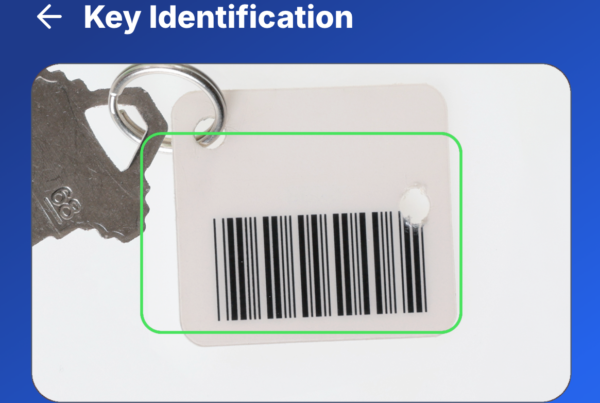
With In-Field Key Tag Identification, Premium and Platinum users can scan the barcode on a HandyTrac key tag with their phone to quickly identify the corresponding unit.
Consider a maintenance employee carrying several keys during:
- Property inspections
- Pest control
- Preventive maintenance
- Unit walks
- Large work orders
- Multi-unit projects
Instead of determining which key belongs to which unit or returning to the key control cabinet for information, the employee can scan the key tag directly in the field. This makes managing large groups of checked-out keys faster and more convenient, especially when teams move from unit to unit throughout the day. Learn more about in-field key transfer.
Manage Your Key Control System Without Returning to Your Desk
Managers still have access to the everyday key control functions they expect. From the HandyTrac App, you can access reports, review transactions, manage employees, and check important system information directly from your phone.
The benefit is convenience.
If you are walking the property, working with maintenance, visiting another community, or away from your computer, you don’t have to wait until you return to your desk to check your key control system.
Instead, your electronic key control information can move with you. For busy property managers and maintenance teams, fewer trips back to the office can mean faster answers and a more efficient workday.
Why Use a Mobile Key Control App Instead of Only the Desktop Website?
The HandyTrac website remains an important tool for managing your key control system. The app complements it by making key control more accessible when you are away from your computer.
With the HandyTrac App, managers and employees can access key information when they need it most.
Instead of:
- Returning to the office to check a report
- Searching through emails for an alert
- Asking a manager which keys are checked out
- Taking multiple keys back to the cabinet to identify them
Your team can handle many of those tasks directly from a phone.
That is the real advantage of mobile key control: less searching, fewer unnecessary trips back to the office, faster access to information, and better visibility throughout the workday.
Take Your Electronic Key Control System Beyond the Desktop
Property management teams are constantly moving between offices, units, buildings, maintenance areas, and communities. Your key control information should move with you.
For managers, that means easier oversight without being tied to a computer. For employees, it means faster access to the information they need while they are working.
Download the HandyTrac App from the Apple App Store or Google Play and take your key control system wherever the workday takes you.