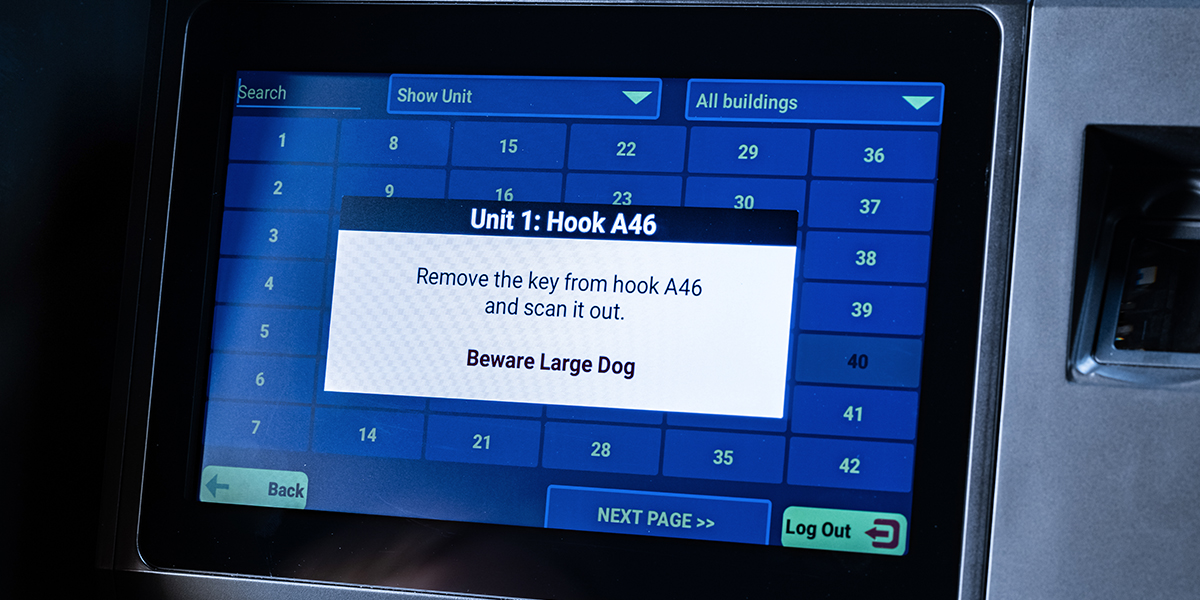
Sometimes, your team needs a little extra information before entering a unit. Unit notes make it easy to share helpful reminders, such as “Call resident before entering,” “Do not enter before 2 p.m.” or “Large dog in unit.”
Available with HandyTrac Premium Touch and Platinum Touch systems, unit notes are added through the HandyTrac website and will appear on the touchscreen when the corresponding key is pulled. Here are 3 easy steps to get you started.
How to Add a Unit Note
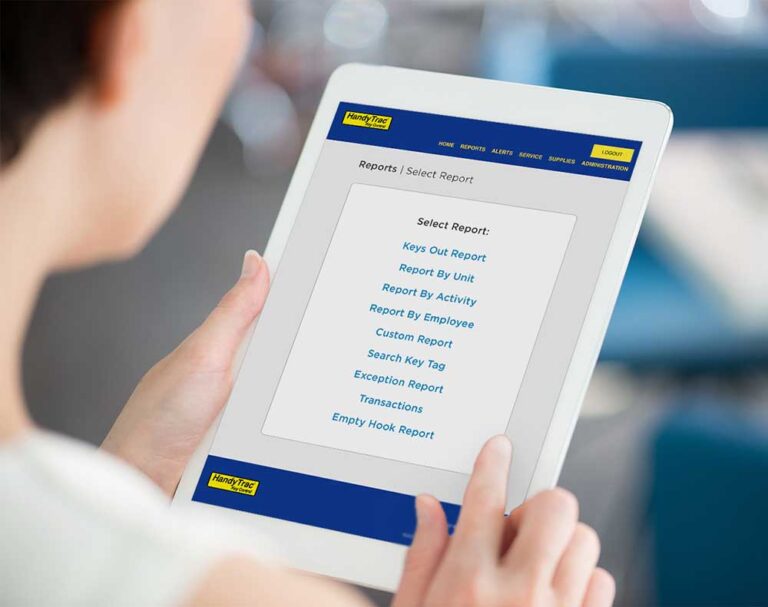
1. Log in to the HandyTrac website, go to the Administration section, and select “Unit Notes” in the dropdown.

2. Find the unit you would like to update, and click Edit next to the unit.

3. Enter the note and save your changes.

What Happens Next?
When an employee selects that unit on the HandyTrac Touch system, the note will appear before the key is removed. This gives them a chance to review any important instructions before entering the unit.

For the best results, keep notes short, clear and focused on information your team needs to know. Be sure to update or remove notes when they are no longer relevant.
Need help adding Unit Notes or managing another HandyTrac feature? Our support team is always happy to help. Contact us today to get started.