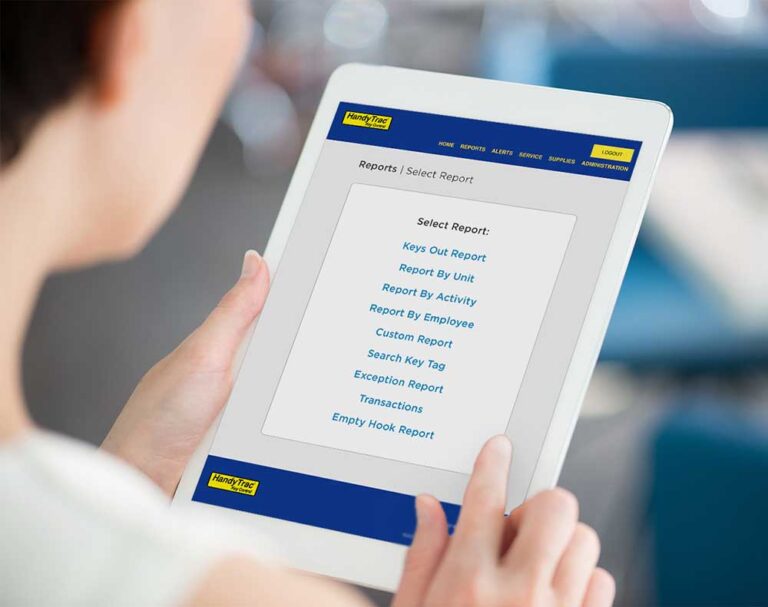

Getting logged out of your HandyTrac system can be frustrating, especially during a busy workday. The good news is that you can reset your HandyTrac login in just a few minutes.
Here’s what to do if you cannot access your HandyTrac account.
Step 1: Visit the HandyTrac Login Page
Go to the HandyTrac login portal:
From here, you will see options to:
- Sign in to your account using SSO (single sign-on with your organization)
- Reset your password
- Register a new account
- Set up access as a new property manager

Step 2: Click “Forgot Password”
If you cannot remember your password or your login credentials are not working, select “Forgot Password?” on the login screen.
You will be prompted to enter your email address to begin the password reset process.
Be sure to:
- Check your spam or junk folder if you do not immediately receive the reset email
- Use the same email address associated with your HandyTrac account
Step 3: Register as a New Property Manager
If you are a new manager at your property and have never logged into the system before, select:
“Contact us for account setup”
This option helps new property managers get connected to the correct HandyTrac account and access permissions.
Step 4: New to HandyTrac?
If your property is not yet using HandyTrac, you can select:
“Learn More”
This will direct you to a contact form that will get you in touch with a HandyTrac team member.

Step 5: Contact HandyTrac Support
If you are still unable to access your account after trying the steps above, our support team is here to help.
Email support@handytrac.com
When reaching out, it can help to include:
- Your property name
- Your email address
- A description of the issue you are experiencing
- Any error messages you may see
You can also fill out our support form and a representative will reach out shortly.
If you are unable to access your HandyTrac system, most login issues can be resolved quickly through the HandyTrac login portal by resetting your password or requesting account setup assistance. Keeping your team connected to your key control system is important for maintaining efficient property operations, accountability, and security. If additional help is needed, the HandyTrac support team is available to assist your property with restoring access as quickly as possible.