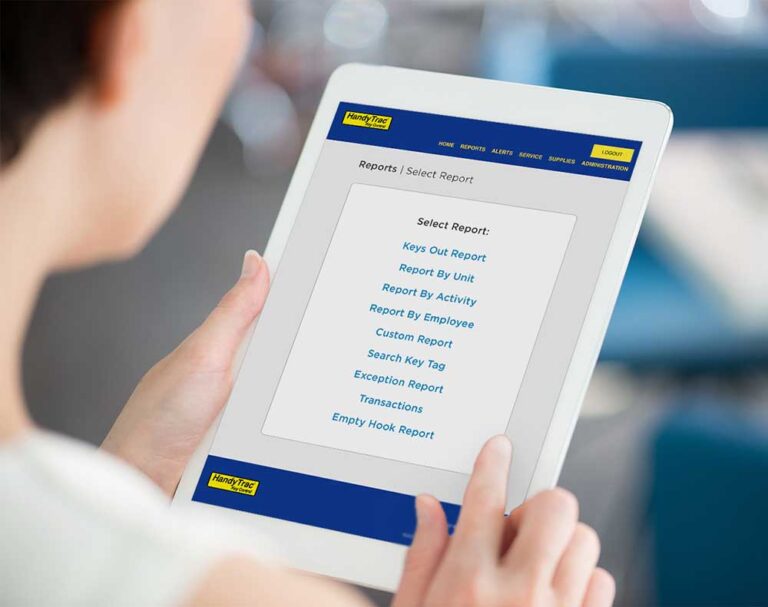

Managing property operations requires fast access to information, clear visibility into key activity, and simple tools that help teams stay efficient. That’s why HandyTrac is rolling out several website updates focused on improving usability, organization, and day-to-day workflows for property teams.
These upcoming updates are designed to make navigating the HandyTrac platform easier, simplify alert management, and improve reporting visibility across systems and accounts.
A Redesigned Navigation Menu
One of the most noticeable updates is the new navigation menu.
The updated menu structure has been reorganized to provide a cleaner, more intuitive experience. Utilize our pinning feature to have the most important tools to you where you want them. Frequently used tools and important sections are easier to locate, helping users move through the platform more efficiently.


What’s changing?
- Improved organization of menu categories
- Better visibility of important tools and reports
- Increased flexibility for future feature additions
- Streamlined access to commonly used areas
The goal of the redesign is to reduce clutter while making the overall platform easier to navigate for both new and experienced users.
Alerts Page Redesign
The Alerts page is also receiving a significant update focused on usability and clarity.
Managing alerts is an important part of maintaining accountability and visibility within a key control system. The redesigned interface helps simplify how alerts are viewed, organized, and configured.


New alert improvements include:
- Cleaner layout and organization
- Easier access to alert settings and functions
- Improved visibility into enabled and disabled alerts
- Automatic saving of settings for a smoother experience
- General quality-of-life improvements throughout the interface
The new design helps reduce unnecessary clicks and makes it easier for administrators to manage notifications and settings efficiently.
Easier Active Alert Filtering
Another enhancement coming with the Alerts update is simplified active alert filtering.
Users will be able to more quickly identify:
- Currently active alerts
- Disabled alerts
- Specific alert types
- Relevant system notifications
This improvement is designed to help teams find important information faster without needing to sort through unnecessary data.

Updates to the Hierarchy Dashboard
The Hierarchy Dashboard is also being expanded with several new improvements designed to provide better visibility and faster reporting.
Upcoming dashboard enhancements include:
- Easier filtering options
- Single-page inline reporting
- Improved search functionality
- Account and system status visibility
- Export functionality for reporting and analysis

These updates are intended to help administrators manage multiple systems and accounts more efficiently while reducing the time required to locate key information.
For organizations managing several properties or systems, these changes can help simplify oversight and improve operational visibility.
Why These Updates Matter
As property operations continue evolving, software usability and visibility become increasingly important. These website improvements are designed to help HandyTrac customers work more efficiently while making important tools and information easier to access.
From streamlined navigation to improved reporting and alert management, these updates focus on reducing friction and improving the overall user experience.
Looking Ahead
These updates are part of HandyTrac’s ongoing effort to improve platform usability and support property teams with tools that help simplify key accountability and operational workflows.
Customers will receive additional communication before the updates officially go live. If your team has questions about the upcoming changes or would like assistance navigating the new features, the HandyTrac support team will be available to help.